FOUNDATIONS + PORTFOLIO TO CAREER
The Complete Worldbuilder Program
Learn to design environments for games, film, and animation — then build the portfolio and industry knowledge to get hired.
Taught by a Senior Concept Artist at Wizards of the Coast, Netflix, Marvel, Warner Brothers.
"Most artists spend years practicing without a clear direction. They get better at drawing but never learn how studios actually think, brief, or develop environments.
— or how to turn that work into a career.
This program gives you both: the process and the path."
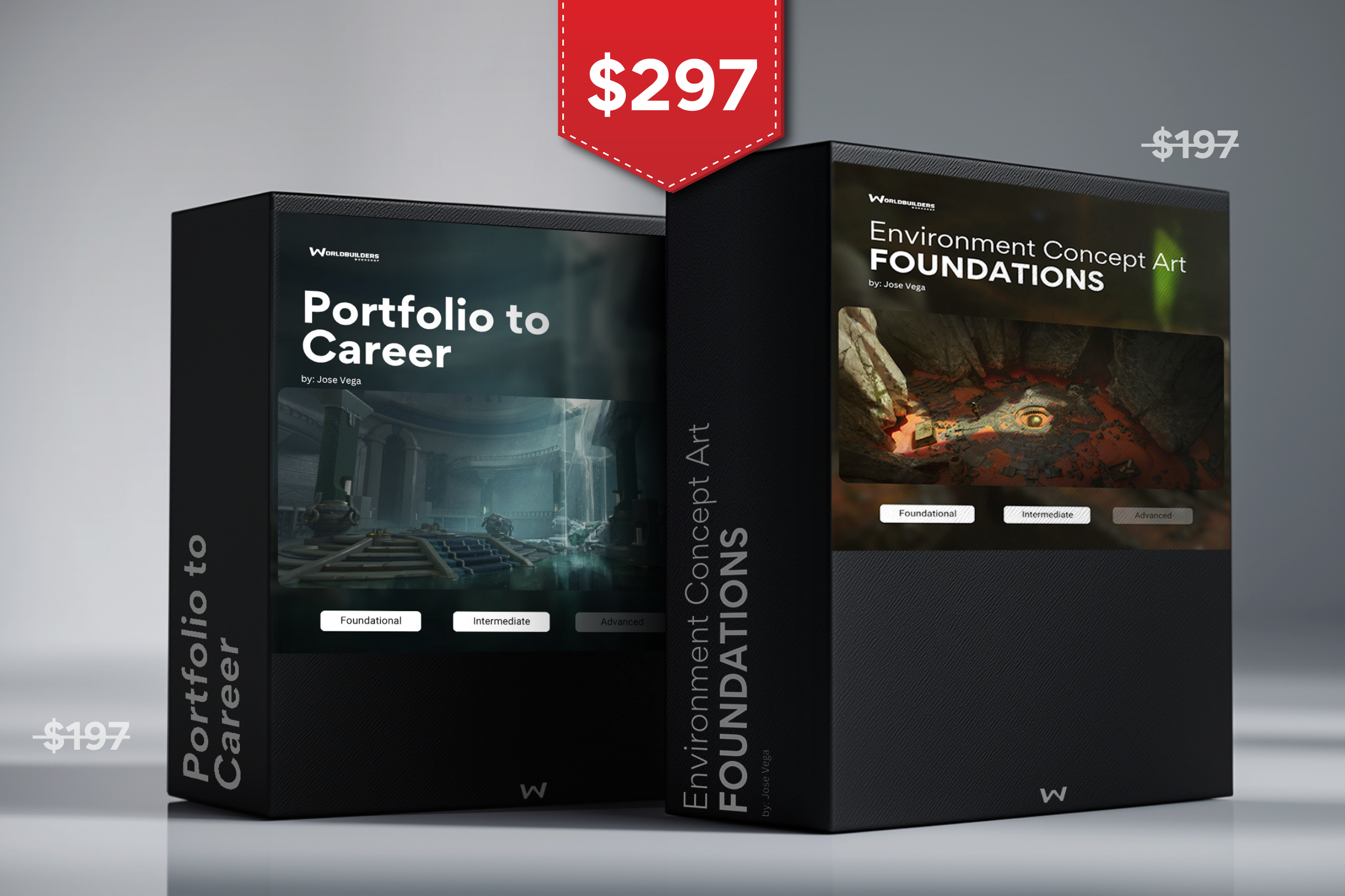
Course #1
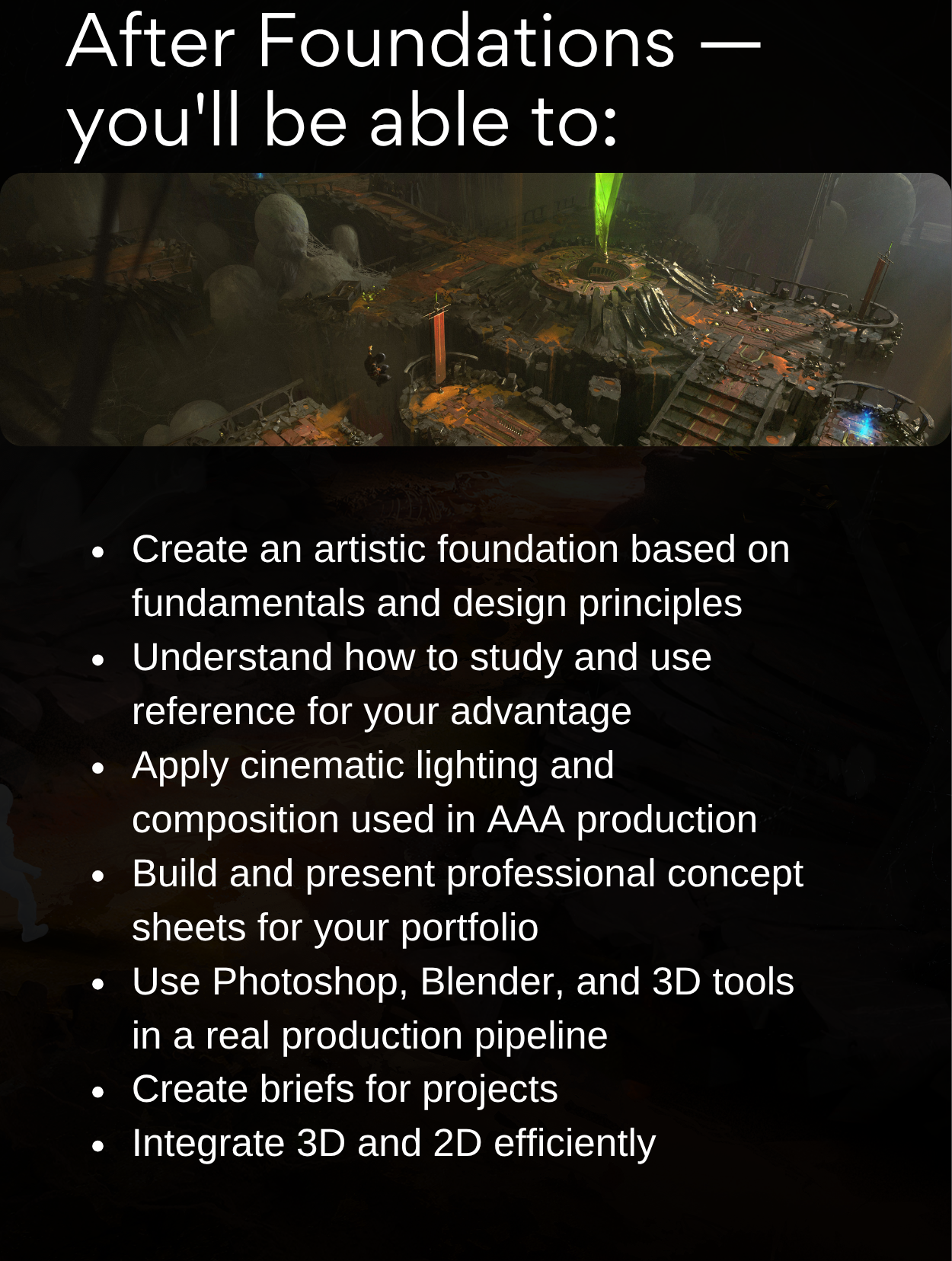
Foundations
Learn the craft, build the skills, develop your process.
Course #2
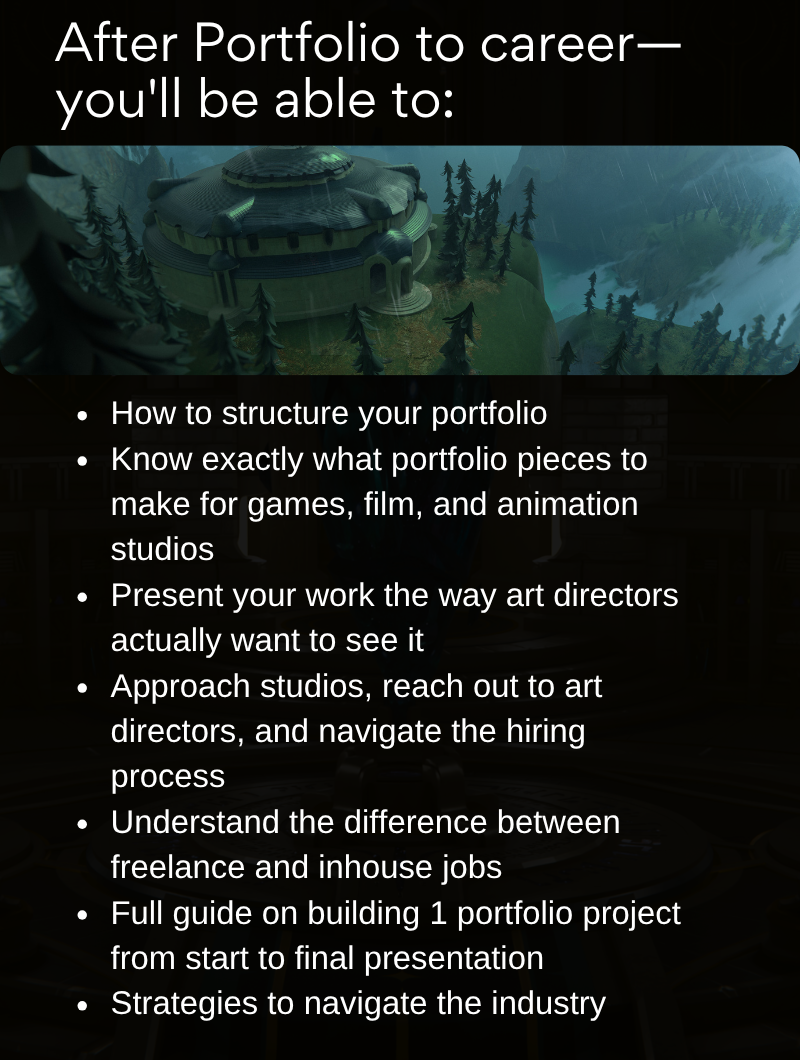
Portfolio to Career
Take that work and turn it into a professional career.
Who this is for / Who it's NOT for
For: Digital artists wanting to start out and don't know where. Self-taught artists who feel stuck. Anyone who wants to work in games, animation, or film.
Not for: Artists looking for a painting class. Anyone who expects finished work handed to them. Complete non-digital traditional artists.
COURSE 1 OF 2 - FOUNDATIONS
Environment Concept Art — The Craft
40+ hours · 12 modules · Photoshop, Blender, 3D Coat
Module 01 - Studio Thinking
Understand how studios brief and develop environment art — tools, pipeline, and your role in production
Module 02 - The Foundation
Build your core skills — light, shadow, composition, and design principles applied to real environments
Module 03 - 3D as a Tool
Learn Blender, 3D Coat, and Photoshop together as a unified production pipeline
Module 04 - Practice Right
Film studies, material studies, landscape analysis — the practice habits that actually accelerate growth
Module 05 - First Brief
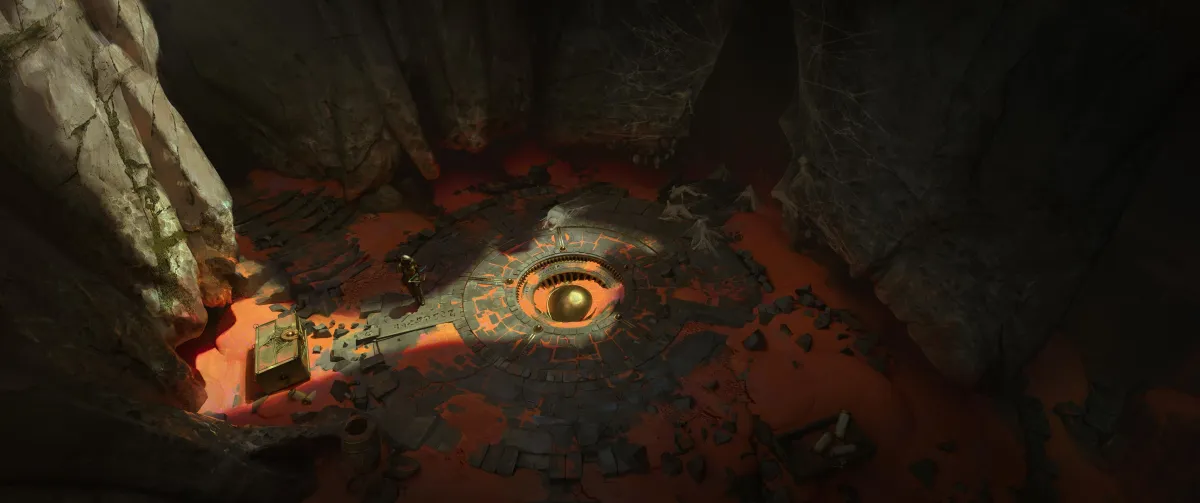
Design a dungeon checkpoint from scratch — sketch to final presentation
Module 06 - Scale Up
Large-scale environment callouts and cinematic color compositions
Module 07 - Prop Design I
Design a treasure chest from concept sketch to final callout sheet
Module 08 - Level Design
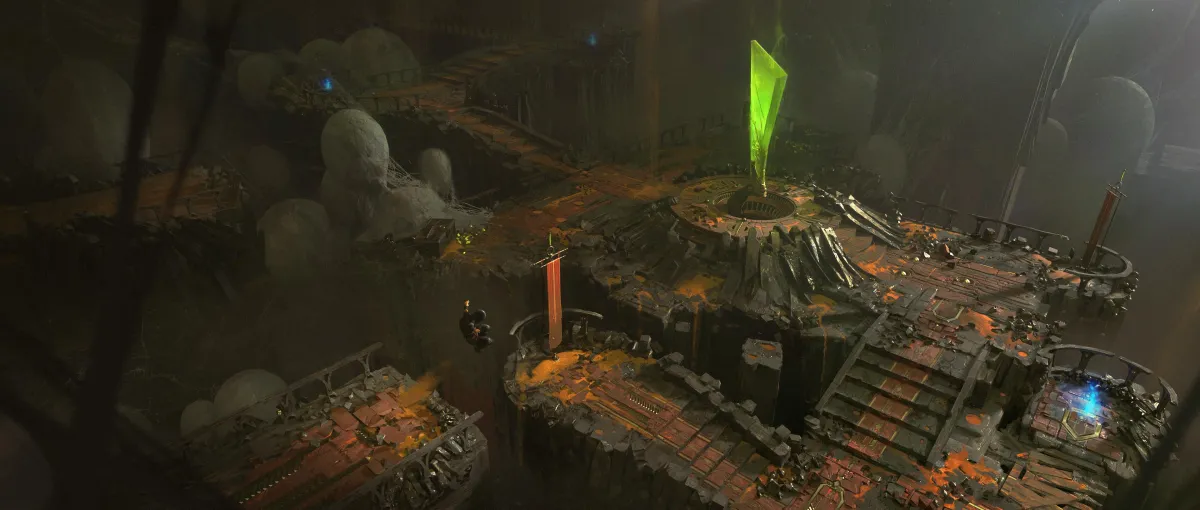
Create a complete playable environment using the props you've designed
Module 09 - Prop Design II
Second prop from brief to final — reinforcing the production workflow
Module 10 - B&W Exploration
Fast ideation and thumbnail generation — speed and decisiveness
Module 11 - Color & Final Render
Take a B&W thumbnail to a finished, polished color concept
Module 12 - Style Breakdown
Understand the full spectrum from stylized to realistic — and how to approach each
COURSE 2 OF 2 - PORTFOLIO TO CAREER
Portfolio Strategy & Industry Navigation — The Career
40+ hours · 11 modules · Real industry frameworks
Module 01 — How to Start as an Artist
Foundation, mindset, and understanding the landscape you're entering
Module 02 — Portfolio Strategy & Prepwork
Before you make a single image, understand what you're building and who it's for
Module 03 — Building Your Portfolio Project using 3D tools
The technical foundation of the portfolio piece
Module 04 — Painting Callouts and Renders
Translating 3D structure into 2D presentation
Module 05 — Orthographics
Production-level presentation that signals industry awareness
Module 06 — Exterior Explorations
Iteration, exploration, and the value of showing your thinking
Module 07 — Alternate Version
Iteration, exploration, and the value of showing your thinking
Module 08 — Whats Next?
The work is done. Now make it impossible to ignore.
Module 09 — Hiring Process
From your first email to the Offer.
Module 10 — The Business of Being an Artist
The side of this career nobody teaches you in art school
Module 11 — Q&A
Rel questions, Real answers.
Already own one course?
WHAT'S INCLUDED:
80+ hours of video content across 2 complete coursesList 1
Lifetime access — including all future updates
Discord community access
14-day satisfaction guarantee — complete the first two modules, contact us if it's not right for you
MEET YOUR INSTRUCTOR
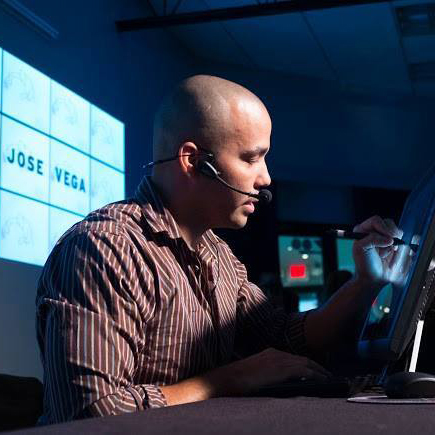
José Vega
José Vega is a Senior Concept Artist at Wizards of the Coast, where he designs worlds for Magic: The Gathering.
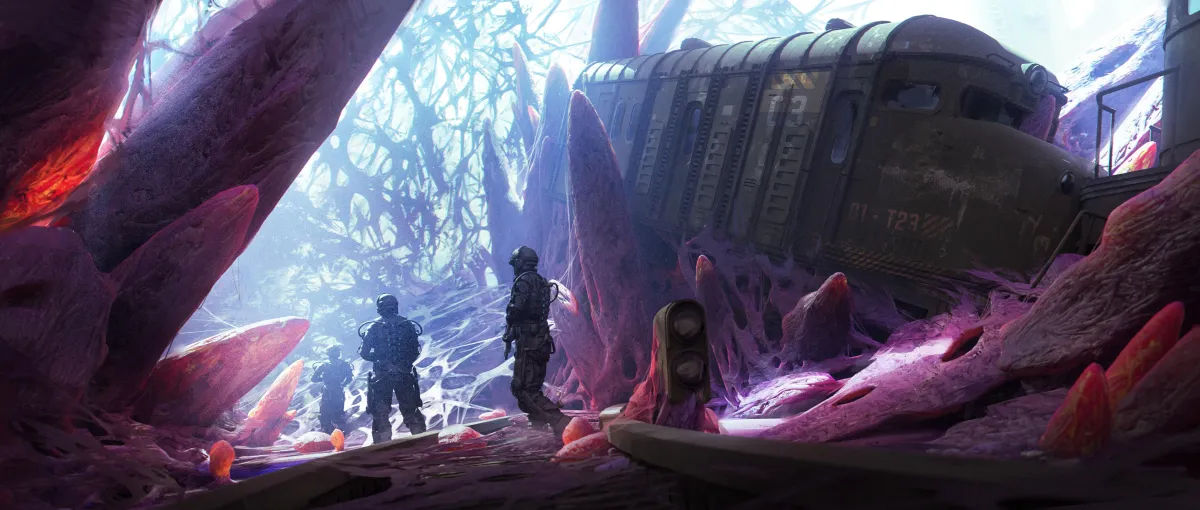
His work has shipped for Netflix (Castlevania), Warner Brothers (Multiversus), Marvel (Guardians of the Galaxy), and Riot Games.
He has been working professionally in the entertainment industry for over 15 years.


TESTIMONIALS
From students in José's programs

"Jose's mentorship worked as a great boot camp for approaching world-building and having a solid process for designing environments for the entertainment industry and abroad. The tools and methods I've learned have been extremely helpful in ironing out my professional workflow."

"The teacher is dedicated, encouraging, and highly skilled. The class is free-flowing and each session is different, depending on what students bring to the table each week."

This mentorship was perfectly timed for me. I wanted to learn how to create complex environments using designed kitbash, and during this class, I definitely learned the entire pipeline. Jose provided lots of tips and tricks on how to go from rough sketches to finished pieces, and he helped every student achieve this. I appreciated that the program was clear, so I knew what to do at every stage of the mentorship!
F.A.Q.
1. If I'm looking to start pursuing a career as a concept artist, will these courses help me?
Yes, this is for anyone that wants to learn digital art, its foundations and pipelines and how to use those to develop a portfolio.
2. What if I'm a character artist? Will this still help me?
Even though there are foundational topics to help any type of artists, these courses are focused more on environment design.
3. How much time do I have to finish the courses?
You have LIFETIME access to the courses. Take your time and work on it on your own time.
4. Is there any feedback on the work done?
YES! Join our community and contact us to add you to a private channel!
5. What is the main difference between these 2 courses?
Foundations course has a more technical approach and goes over the foundational aspects of digital art like composition, lighting, etc, and how to use them in your project.
Portfolio to Career is mostly about portfolio building and navigating the industry.
6. What if I just want to buy 1 of the courses or already own one of these courses?
We offer an option to buy the courses individually, but the greatest save is with the bundle.
14 Day Money Back Guarantee. If you are not happy with any of these courses, send us an email and we will refund you.
Or start with one: